Impressions but No Clicks Fix Organic CTR
High impressions with low clicks usually means low ranking positions, weak snippets, wrong intent or zero-click answers. Here is what to fix.
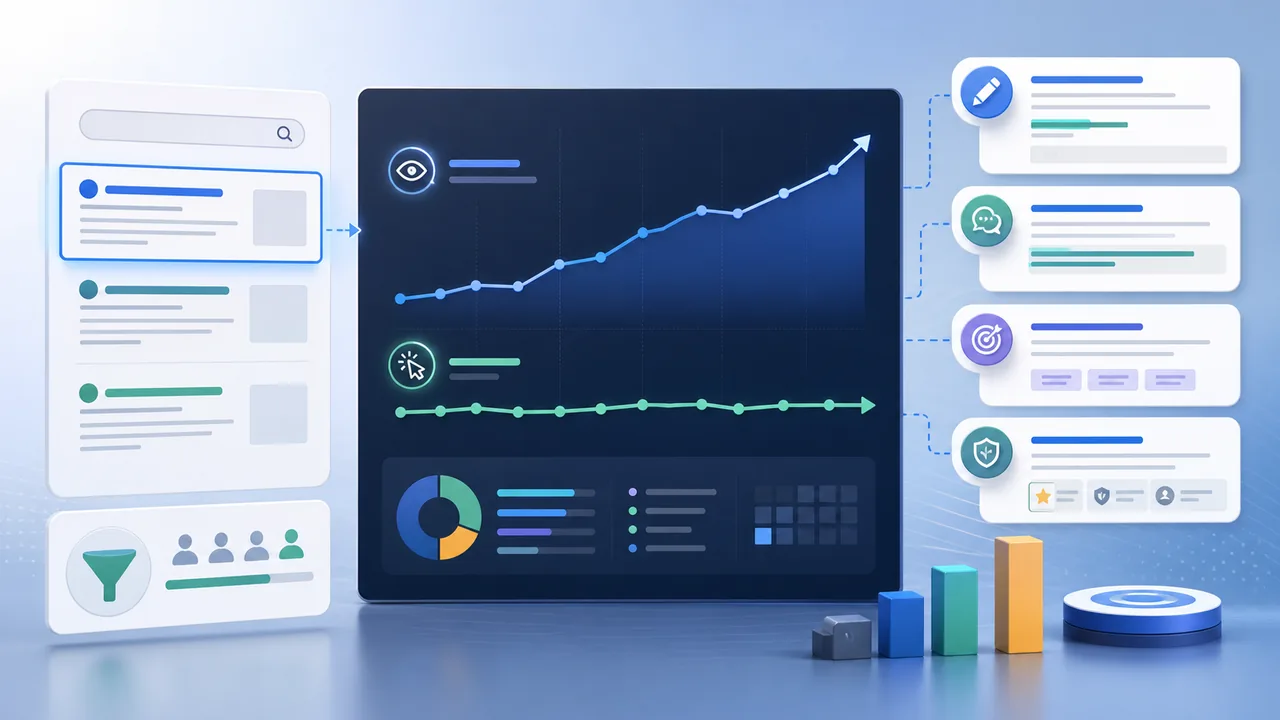
CTR and traffic diagnosis
This is one of the most common Search Console traps: impressions look promising, but clicks stay near zero. That does not always mean your snippet is bad. Sometimes Google is showing the page far below the click zone, or an AI Overview answers the query before anyone reaches organic results.
Short answer
Impressions with no clicks usually come from low average positions, weak title and description fit, wrong query intent, brand trust gaps, or zero-click search features that answer the query before a user clicks.
Real questions this answers
- Why do I have impressions but no clicks
- Is low CTR a title problem or a ranking problem
- Why are impressions growing but organic traffic is flat
- Can AI Overviews reduce clicks even when rankings do not drop
Most likely causes
- Average position is too low. Pages in positions 50-90 can get impressions but almost no clicks.
- The title does not match the exact query or promise a clear outcome.
- The page ranks for informational queries but the snippet sounds commercial.
- Google SERP features, AI Overviews, maps, videos, or answer boxes satisfy the user early.
- The page is visible for broad queries but lacks enough authority to compete for clicks.
What to fix first
- Segment queries by position before rewriting anything.
- Improve titles and descriptions for pages already near positions 5-20.
- For low-position pages, build stronger content clusters and internal links instead of only changing snippets.
- Add concise answer boxes so your page can win snippets and AI citations, not only clicks.
- Use page-specific CTAs and proof so users have a reason to choose your result.
Tools to use
- Search Console Queries and Pages exports to separate CTR from ranking-depth issues.
- VisRank page scan to catch weak titles, descriptions, H1, schema, and AEO gaps.
- Manual SERP checks to see whether AI Overviews, maps, or snippets dominate the query.
Credible sources
These are the reference docs used to keep the guidance grounded instead of guessing:
Next useful steps
Related articles
Check your website's SEO & AEO score
Free visibility audit - no signup required.
Scan my website for free